
NetMirror is a home base for all movie enthusiasts, which we put at ease as we watch international content. We are a global platform that is very much into what we do and are very much admired for it. We stream high-quality content, which includes movies, web series, anime, documentaries, and much more.
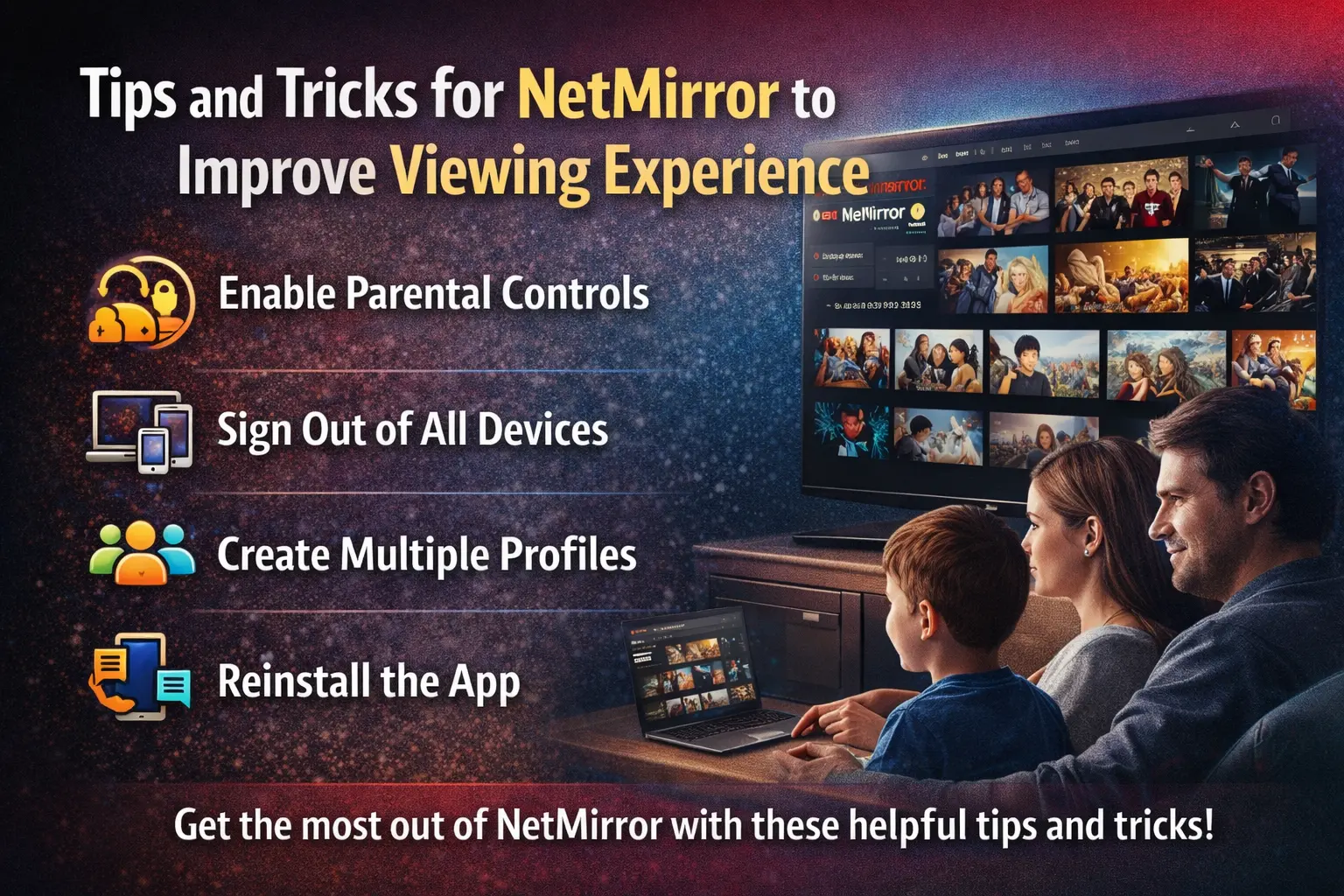
Enable Parental Controls
Netflix has a large variety of content. Also, what you will find on Net Mirror, some of it may not be appropriate for kids and teens under 18. To that end, It has put in somewhat are basically hidden features. The first is that you are able to create separate profiles and block out certain mature products.
Sign Out of all Devices
At times when you give out your Net Mirror password to your family and friends, and they, in turn use it in a way that you didn’t authorize, then you have the option to change your account password, which is a known feature, but also what you may not know is that you can do more than that, which is kick everyone out.
Create Multiple Profiles
NetMirror’s unique feature is that of creating multiple accounts with a single subscription, which in turn allows families to watch and enjoy content on their private devices, thus making it easy for family management. But if you get the cheapest Net Mirror subscription option, then you may not see this feature.
Conclusion
Net Mirror is your tool, which you may use as you like. In this piece, we are to present to you what we feel are the best ways to get the most out of this gadget and to fully use the resources you have at hand. Also included are some very useful tips and tricks that may be found in the Net Mirror App.