
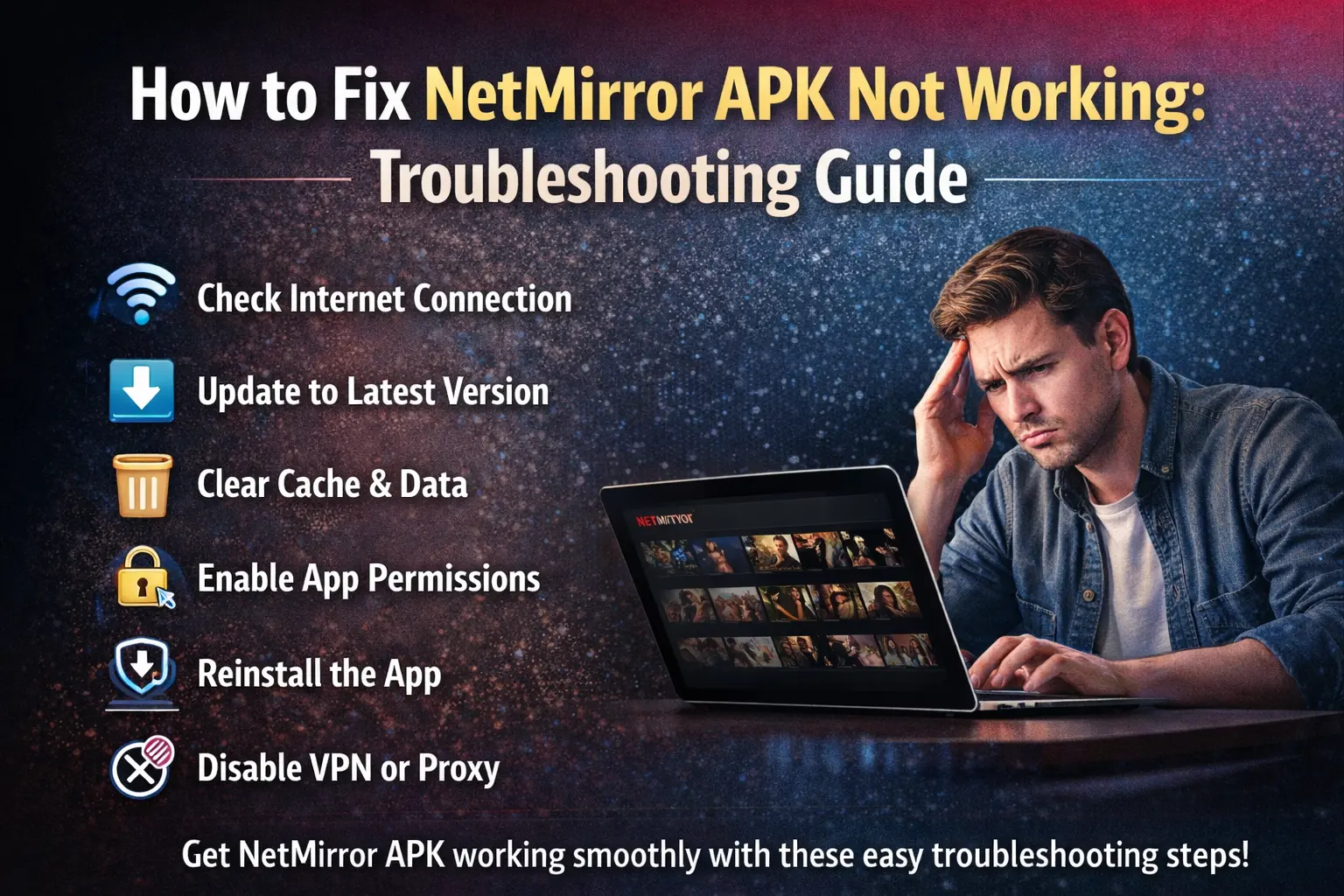
NetMirror APK is a dependable streaming app that, at times, has issues like crashes, buffering, and speed problems. But we have easy solutions for them.
Check Your Internet Connection
A poor internet connection, which in turn may cause buffering. To check the status of your connection, try a speed test. If you are experiencing slow connections, try to get into a better internet connection via Wi-Fi or a cell network.
Update to the Latest Version
Also, we see that your app may be out of date. Go to our site and download the latest version of Net Mirror APK for you.
Clear App Cache and Data
Excessive cache use may cause the app to run slowly. In the app settings, go to Settings>Apps>Netmirror APK>Storage; there you will find Clear Cache and Clear Data options, perform a restart of the app, and see if the issue is fixed.
Enable App Permissions
When users disable permissions requested by the Netmirror APK will not run properly. Also, it is required that in Settings under Apps, which is Netmirror APK, you enable storage and network permissions.
Reinstalling Netmirror APK
If the app is not working, you can also try to remove it from your device. Then go ahead and install the latest version from our website. This will also fix any file corruption issues.
Disable VPN or Proxy
Using a VPN or proxy server may also cause issues. Try turning off the VPN or proxy server to see if the application runs smoothly.
Restart Your Device
Sometimes, at which point a restart is required. As a solution, try to reboot the Android device and then try again with Net Mirror app.
Solutions to these issues should solve what you’re seeing with Net Mirror APK. If the problem still persists, you may want to check for further updates or reach out to their support.